
Who this helps
For handwritten arithmetic or any task using grid intervals as measurements. Start with one sheet before preparing a class set.
Four sizes to check
The SVG declares physical sheet dimensions in millimeters. A PDF has its own page dimensions. Print settings can apply another scale; the physical sheet is the final object you measure. A correct value at one stage does not prove the next stage is correct.
Measure a longer span
Measure line centers across ten adjacent intervals, not ten lines: ten 5 mm intervals should span 50 mm. Check both directions. Do not use a ruler against the scaled screen preview.
Reproducible settings
- Paper size
- A4
- Orientation
- Vertical
- Display units
- Millimeters
- All margins
- 12 mm
- Pattern color
- #8aaccb
- Grid spacing
- 5 mm
- Line width
- 0.2 mm
- Major line every (0 = off)
- 5
Create it step by step
- Open the editable configuration linked above. Confirm Paper size A4, Orientation Vertical, Display units Millimeters and All margins 12. Match the loaded sheet; choose US Letter throughout if that is what you have.
- Set Grid spacing 5 and Major line every (0 = off) 5. Open Line appearance for Line width 0.2 and Pattern color #8aaccb.
- Select Print / Save as PDF. Match format and orientation, choose Actual Size or 100%, turn off Fit to Page and headers and footers, and avoid additional browser margins. Dialog wording varies.
- Print one sheet and measure ten intervals horizontally and vertically. Record actual readings before making more copies.
Generated sample
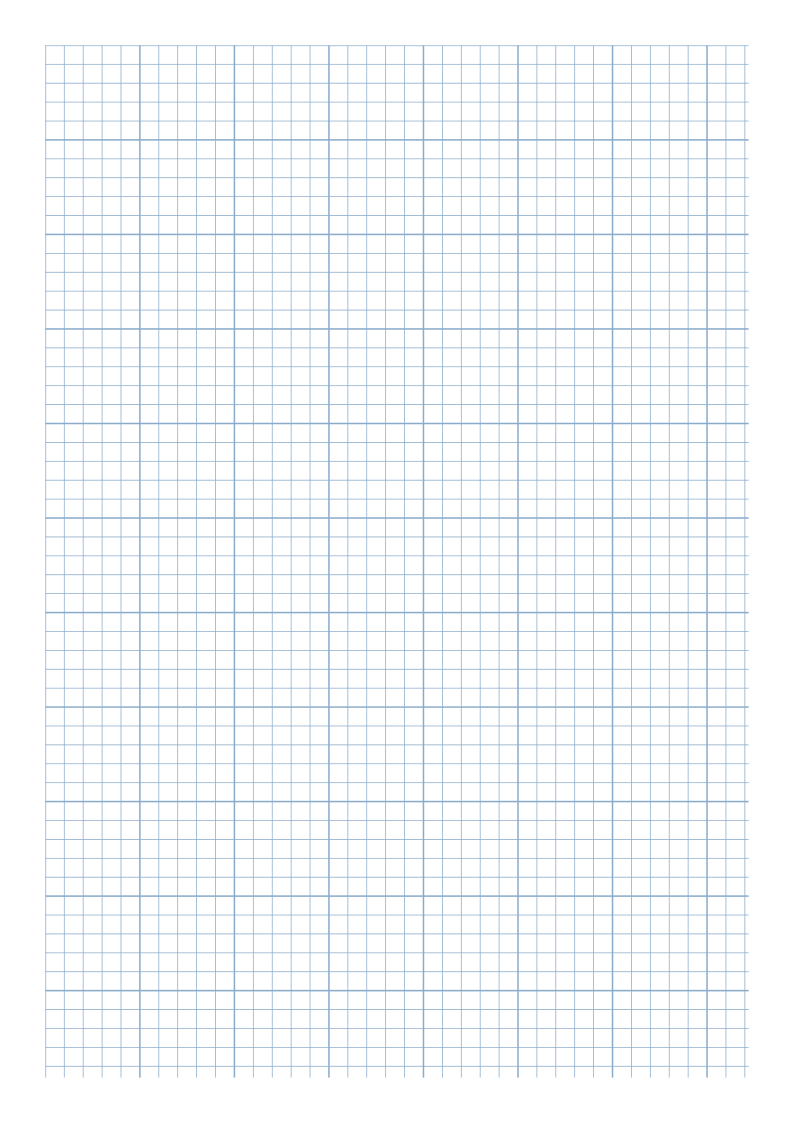
Print or export
With the linked A4 Vertical settings, Download SVG retains a 210 × 297 mm vector sheet. Choosing US Letter changes the sheet dimensions to 215.9 × 279.4 mm. A browser-saved PDF still needs a separate scale check when printed.
Match paper size and orientation. Print at 100% / Actual Size and check one test sheet before making copies.
Check scale with Print Accuracy Helper
Print one separate test sheet before relying on the grid as a ruler. Actual Size preserves file scale, but content near a printer’s unprintable edge can still be clipped; scale and edge visibility need separate checks.
- Open Print Accuracy Helper. Select the same Paper size and Orientation as your loaded sheet. Choose Print / Save as PDF at 100% / Actual Size with fitting and headers/footers off.
- On a real print, measure the horizontal and vertical targets from endpoint tick center to tick center. Each target is 100 mm.
- Teaching example only: imagine both readings are 98 mm. Set Input units to Millimeters, enter 98 in Horizontal measured length and Vertical measured length, and label Print environment notes as a hypothetical example. Select Calculate & Record Measurements.
- For each axis the difference is 98 − 100 = −2 mm; ratio is 0.98; percentage difference is −2%. Check scale and Fit to Page in the browser, PDF viewer and driver. Change one setting, print again and enter the new real readings.
Open Print Accuracy Helper · View the generated scale-test SVG
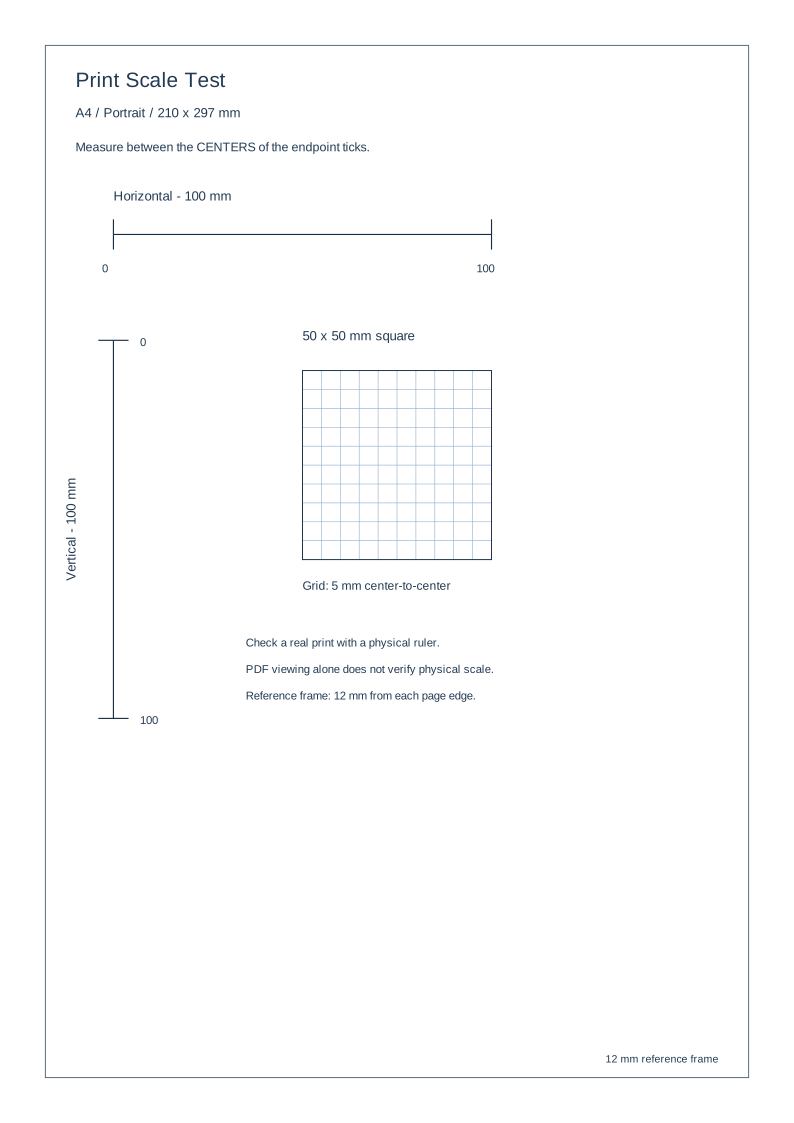
The helper records values you enter; it cannot observe the paper or confirm printer calibration. Check file page dimensions separately from the pattern and from the lengths you measure on paper.
Common questions
Why is the preview smaller than A4?
It scales to fit the display. Screen size is independent of SVG millimeter geometry.
The PDF page is the right size. Is my grid verified?
No. Page size, internal spacing and physical print measurements are separate checks. Measure the printed grid too.
Related tools and reading
- Graph Paper Generator
- 5 mm Graph Paper for Math Practice
- How to Choose Graph Paper Grid Spacing
- How to Adjust Printable Paper Margins
- How to Save Printable Paper as PDF