
Task
Make arithmetic practice paper for handwritten multiplication or long division. The site supplies blank space, without questions or answers.
What You Will Make
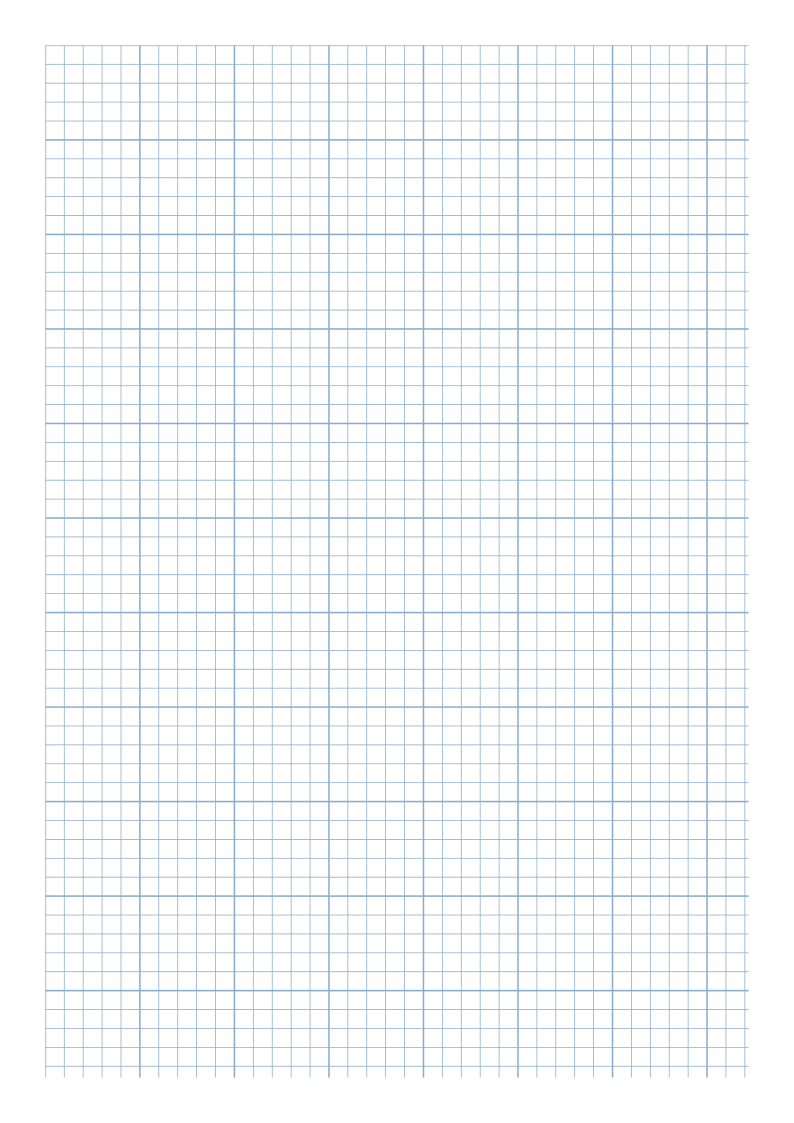
The main output is one A4 portrait sheet of 5 mm squares with heavier lines every 25 mm. Alternatives are one sheet of two stacked 10 mm grids, or one sheet of four 5 mm grids, each with a Math Practice title and blank Name / Date areas.
Settings
- Paper size
- A4
- Orientation
- Vertical
- Display units
- Millimeters
- All margins
- 12 mm
- Pattern color
- #8aaccb
- Grid spacing
- 5 mm
- Line width
- 0.2 mm
- Major line every (0 = off)
- 5
Create It
- Open this editable configuration: A4 portrait, Millimeters, All margins 12, Grid spacing 5 and Major line every (0 = off) 5. Check Line width 0.2 and Pattern color #8aaccb in Line appearance.
- For the full grid, leave Enable practice sheet layout off. For regions, download the matching JSON below and use Import Settings under Export / Import Settings.
- Inspect Math practice sheet · 2 or 4 regions: Practice regions 2 or 4, Region gap (mm) 8, Name writing area, Date writing area and Top title area enabled, Sheet title (up to 48 characters) Math Practice.
- Check the region count and blank writing fields before Download SVG or Print / Save as PDF.
Preview
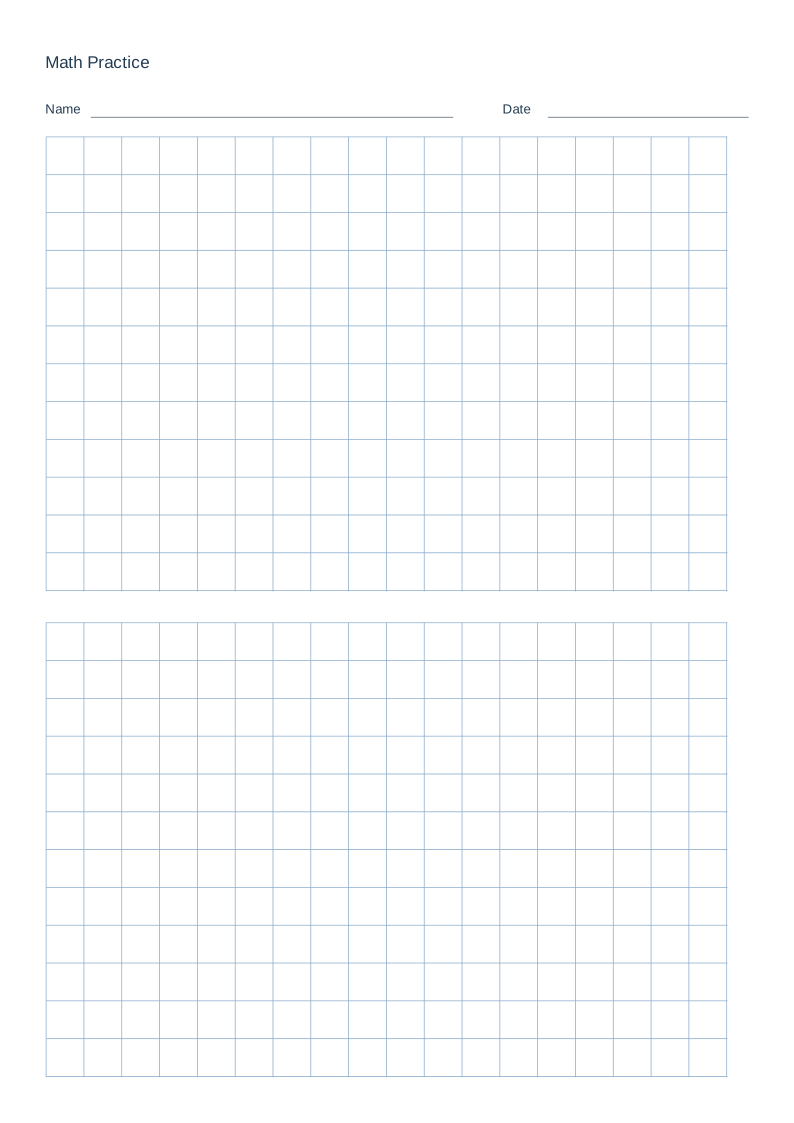
Two or four math practice regions
Each alternative is one sheet. Open Graph paper, expand Export / Import Settings and use Import Settings with its JSON. This restores the complete paper and layout without changing the JSON format.
2 regions · 10 mm squares
- Paper size
- A4
- Orientation
- Vertical
- Display units
- Millimeters
- All margins
- 12 mm
- Pattern color
- #8aaccb
- Grid spacing
- 10 mm
- Line width
- 0.2 mm
- Major line every (0 = off)
- 0
Enable practice sheet layout: on. Practice regions: 2. Name writing area, Date writing area and Top title area: on. Sheet title (up to 48 characters): Math Practice. Region gap (mm): 8.
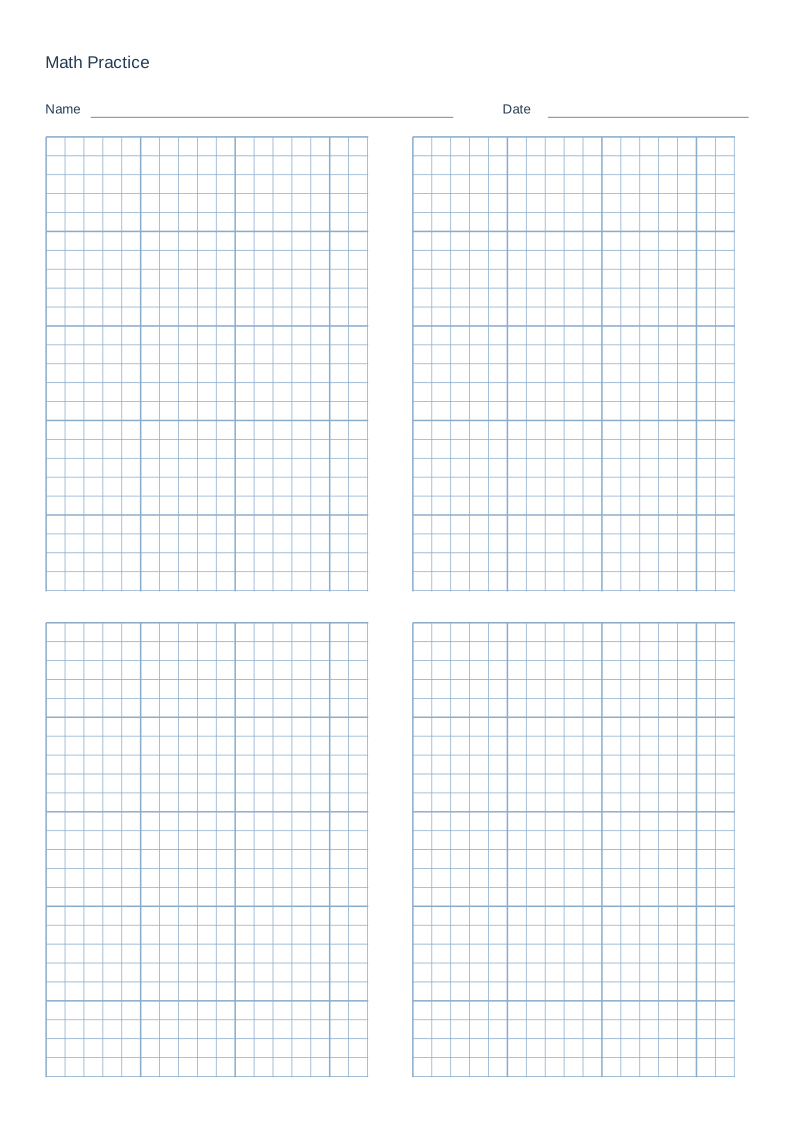
4 regions · 5 mm squares
- Paper size
- A4
- Orientation
- Vertical
- Display units
- Millimeters
- All margins
- 12 mm
- Pattern color
- #8aaccb
- Grid spacing
- 5 mm
- Line width
- 0.2 mm
- Major line every (0 = off)
- 5
Enable practice sheet layout: on. Practice regions: 4. Name writing area, Date writing area and Top title area: on. Sheet title (up to 48 characters): Math Practice. Region gap (mm): 8.
Worked arithmetic: marks you add by hand
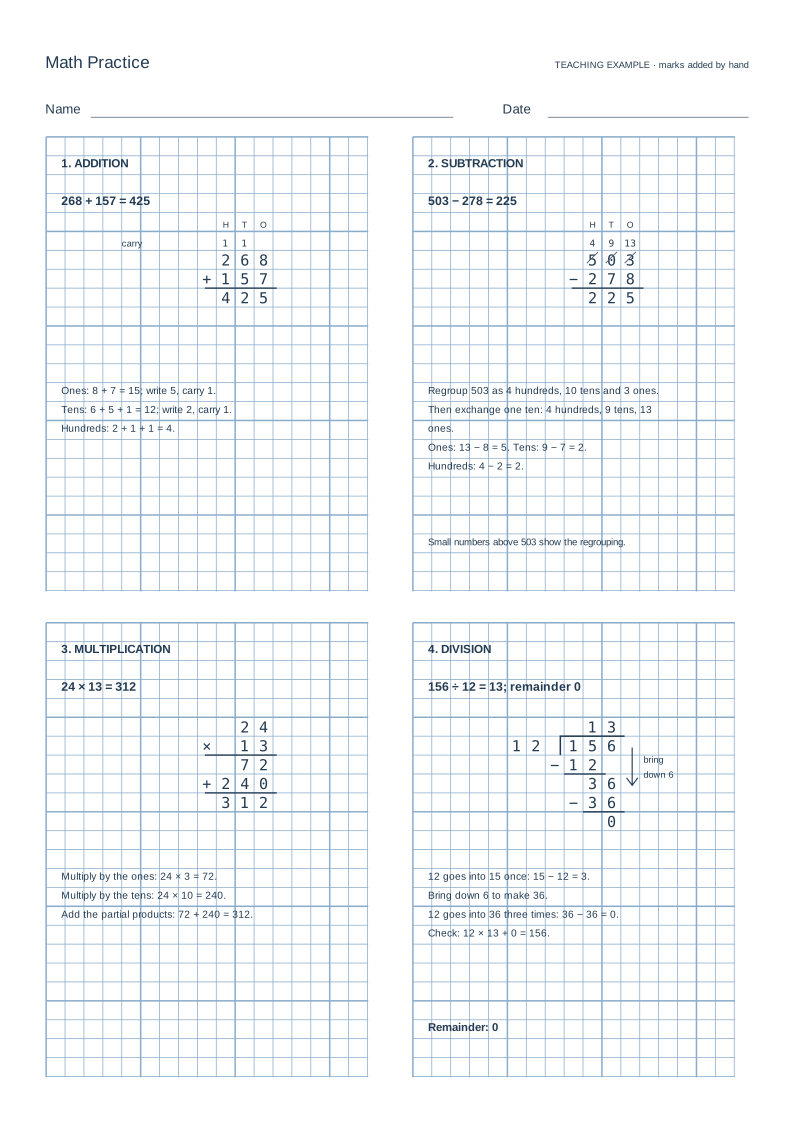
Read the worked steps
- Addition: 268 + 157 = 425
Ones: 8 + 7 = 15; write 5, carry 1. Tens: 6 + 5 + 1 = 12; write 2, carry 1. Hundreds: 2 + 1 + 1 = 4.
- Subtraction: 503 − 278 = 225
Regroup 503 as 4 hundreds, 10 tens and 3 ones. Then exchange one ten: 4 hundreds, 9 tens, 13 ones. Ones: 13 − 8 = 5. Tens: 9 − 7 = 2. Hundreds: 4 − 2 = 2.
- Multiplication: 24 × 13 = 312
Multiply by the ones: 24 × 3 = 72. Multiply by the tens: 24 × 10 = 240. Add the partial products: 72 + 240 = 312.
- Division: 156 ÷ 12 = 13; remainder 0
12 goes into 15 once: 15 − 12 = 3. Bring down 6 to make 36. 12 goes into 36 three times: 36 − 36 = 0. Check: 12 × 13 + 0 = 156.
The original blank practice sheets and their settings JSON above remain separate from this teaching illustration. Name and Date are left blank for the learner.
Print or Export
Each alternative is one page, not a combined three-page pack. Export Settings with math enabled retains its layout JSON. The browser print preview should show one sheet for the selected version.
Match paper size and orientation. Print at 100% / Actual Size and check one test sheet before making copies.
How to Use the Printed Page
Fill Name and Date by hand and write a calculation of your own in the first region. Use one 5 mm cell per digit and a blank column between calculations. Try the two-region 10 mm sheet for larger digits or several worked steps; use one calculation per region on the four-region sheet. The printed page contains blank grids, not prewritten questions or answers.
Check the Result
On a real print, ten intervals should span 50 mm for the 5 mm grid or 100 mm for the two-region 10 mm grid. For math layouts, also check for two stacked grids or four grids in a 2 × 2 arrangement, the title and blank Name / Date areas. Try handwriting before making a batch.