
Who this helps
For arithmetic, larger handwritten digits or sketch planning. Compare cell sizes before committing to a batch.
5 mm versus 10 mm
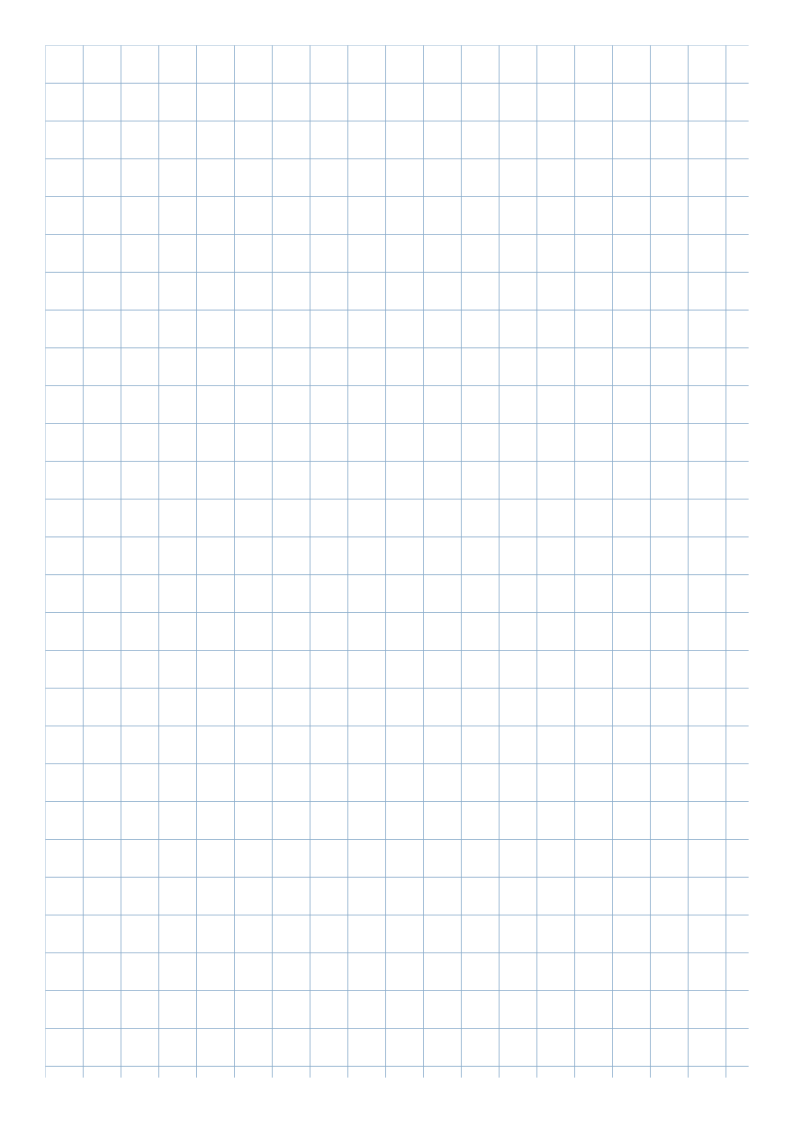
Two 5 mm cells span 10 mm. A 10 mm cell has four times the area of a 5 mm cell. Try one small cell per digit if your writing fits; use 10 mm for larger digits or broad planning marks. Neither size adds coordinate axes or arithmetic questions.
Major lines
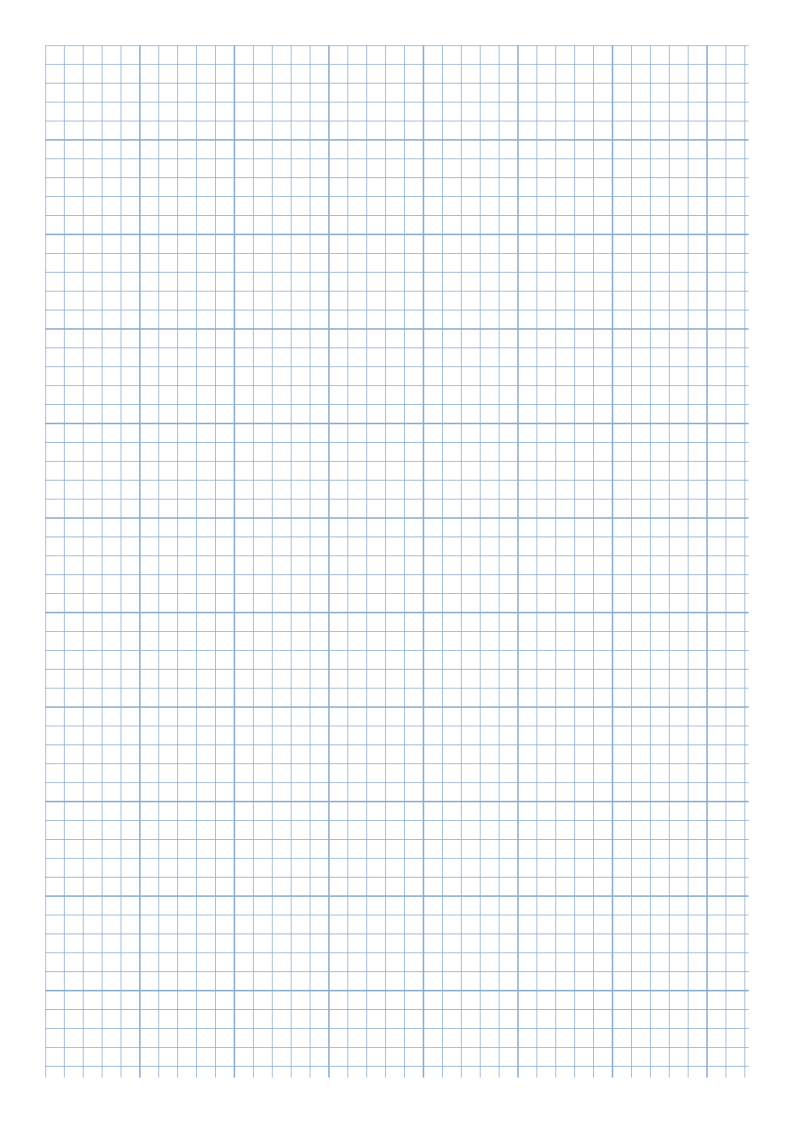
Major line every (0 = off) 5 draws every fifth line at twice Line width, starting at the origin. At 5 mm spacing, reference lines are 25 mm apart. Zero removes the weight difference without removing grid lines.
Separate the writing space
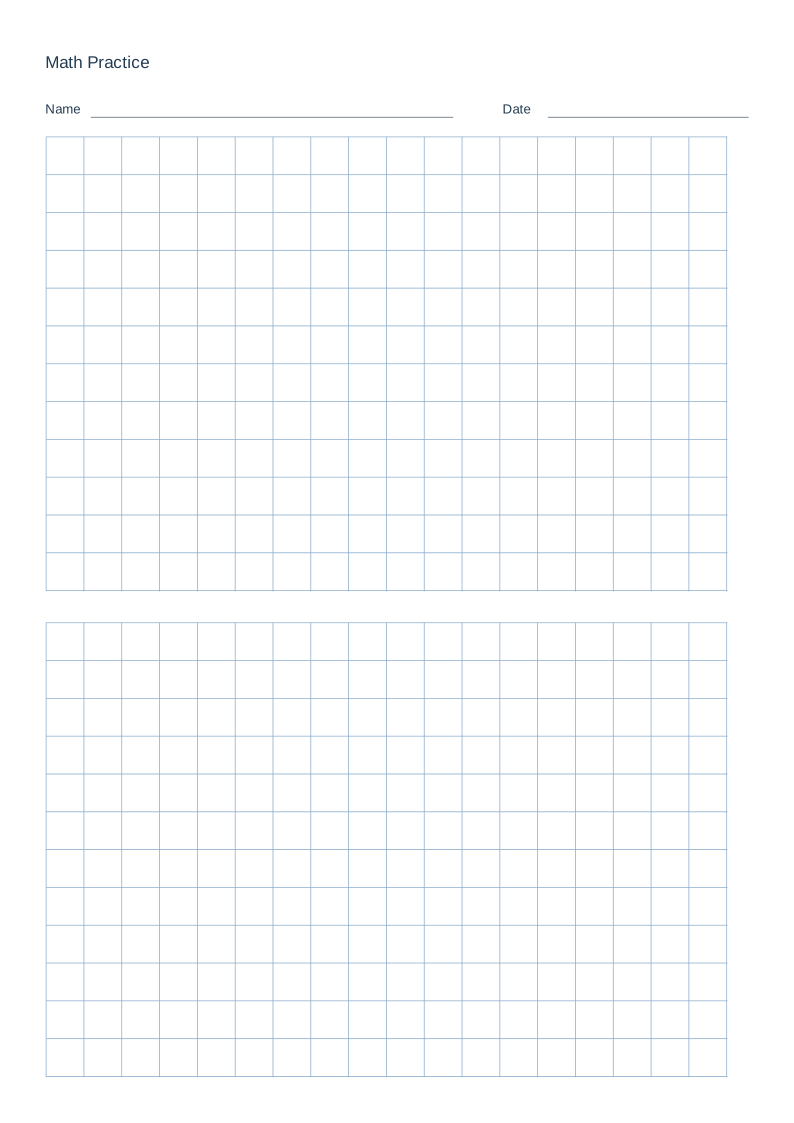
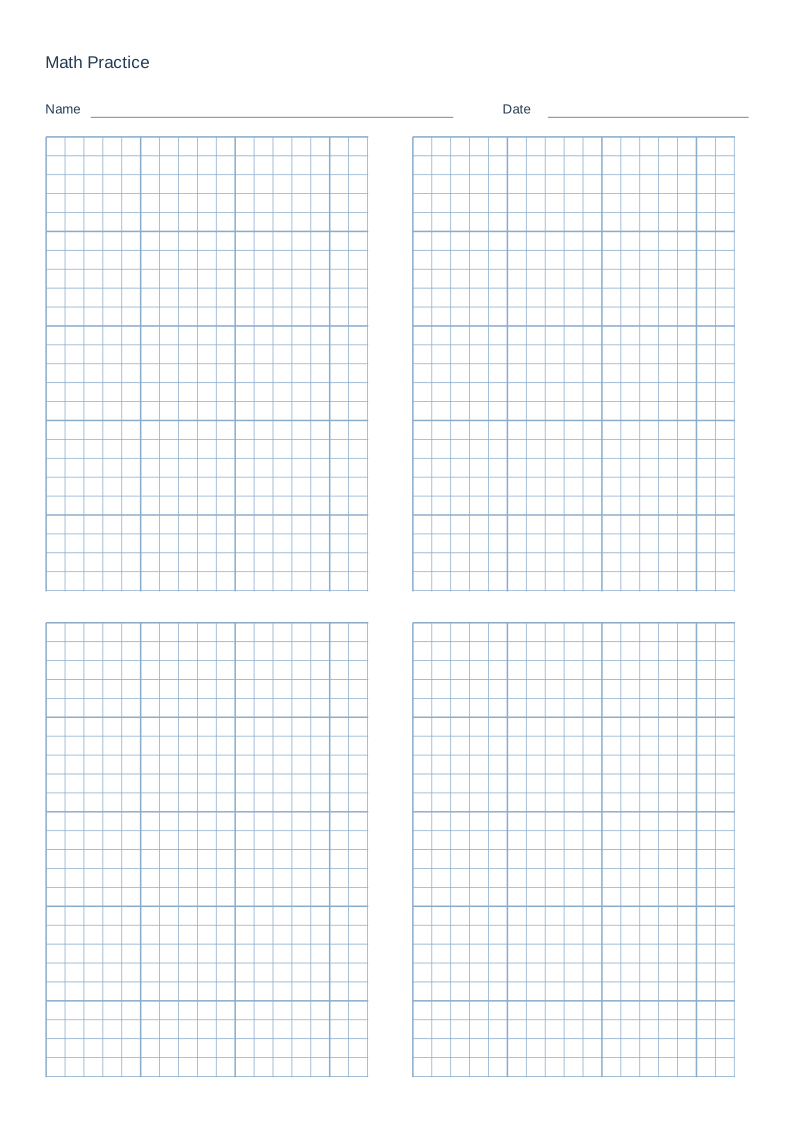
Math practice sheets provide two stacked grids or four grids in a 2 × 2 arrangement below a title and blank Name / Date fields. Whole cells fit each region without shrinking the pattern.
Reproducible settings
- Paper size
- A4
- Orientation
- Vertical
- Display units
- Millimeters
- All margins
- 12 mm
- Pattern color
- #8aaccb
- Grid spacing
- 5 mm
- Line width
- 0.2 mm
- Major line every (0 = off)
- 5
Create it step by step
- Open the 5 mm configuration: A4 portrait, Millimeters, All margins 12, Grid spacing 5 and Major line every (0 = off) 5.
- Open Line appearance for Line width 0.2 and Pattern color #8aaccb. For an open grid, try Grid spacing 10 and Major line every (0 = off) 0.
- Compare the two-region 10 mm sample with the four-region 5 mm sample below. Larger cells leave more room for each digit; more regions separate several handwritten calculations on one page.
- Choose a cell size by trying your usual handwriting on one 100% print. Follow the math-practice case for the complete title, Name / Date and region setup, or import one of the sample JSON files.
Generated sample
Compare spacing in divided sheets
The two-region sample uses 10 mm cells for larger digits; the four-region sample uses 5 mm cells for compact work. Compare the room for your handwriting before choosing. These are the same blank layouts used in the math practice case, where you can follow the complete title, Name / Date and import steps.
Print or export
The main configuration makes a full 5 mm grid sheet. The 10 mm comparison gives larger cells, while the region samples show how each spacing fits a divided page. Download SVG keeps whichever blank layout is currently open.
Match paper size and orientation. Print at 100% / Actual Size and check one test sheet before making copies.
Common questions
Does switching to Letter change spacing?
No. Area and region capacity change; spacing remains in millimeters.
Why do region grids stop short?
Whole cells and stroke clearance leave a blank remainder to protect the grid from clipping.