
Who this helps
For sharing practice paper between A4 and Letter printers. This example uses Letter; a second sample shows A4 with the same pattern.
Compare usable space
A4 is 210 × 297 mm. US Letter is 215.9 × 279.4 mm. With 12 mm margins, their drawing areas are 186 × 273 mm and 191.9 × 255.4 mm. Letter offers slightly more width; A4 offers more height.
Preserve the pattern
Changing Paper size changes available drawing area without stretching cells. Vertical (Portrait) and Horizontal (Landscape) swap width and height. Choose the destination format rather than using fitting to convert sheets.
Reproducible settings
- Paper size
- US Letter
- Orientation
- Vertical
- Display units
- Millimeters
- All margins
- 12 mm
- Pattern color
- #8aaccb
- Grid spacing
- 5 mm
- Line width
- 0.2 mm
- Major line every (0 = off)
- 5
Create it step by step
- Check the paper packaging or tray. Open the Letter configuration when your loaded sheet is US Letter.
- Confirm Paper size US Letter, Orientation Vertical and All margins 12. Keep Grid spacing 5 and compare the A4 sample.
- For a wide layout, change Orientation to Horizontal and match it in the print dialog, keeping spacing unchanged.
- Choose Print / Save as PDF and match US Letter. Inspect edges and measure ten 5 mm intervals for a 50 mm span.
Generated sample
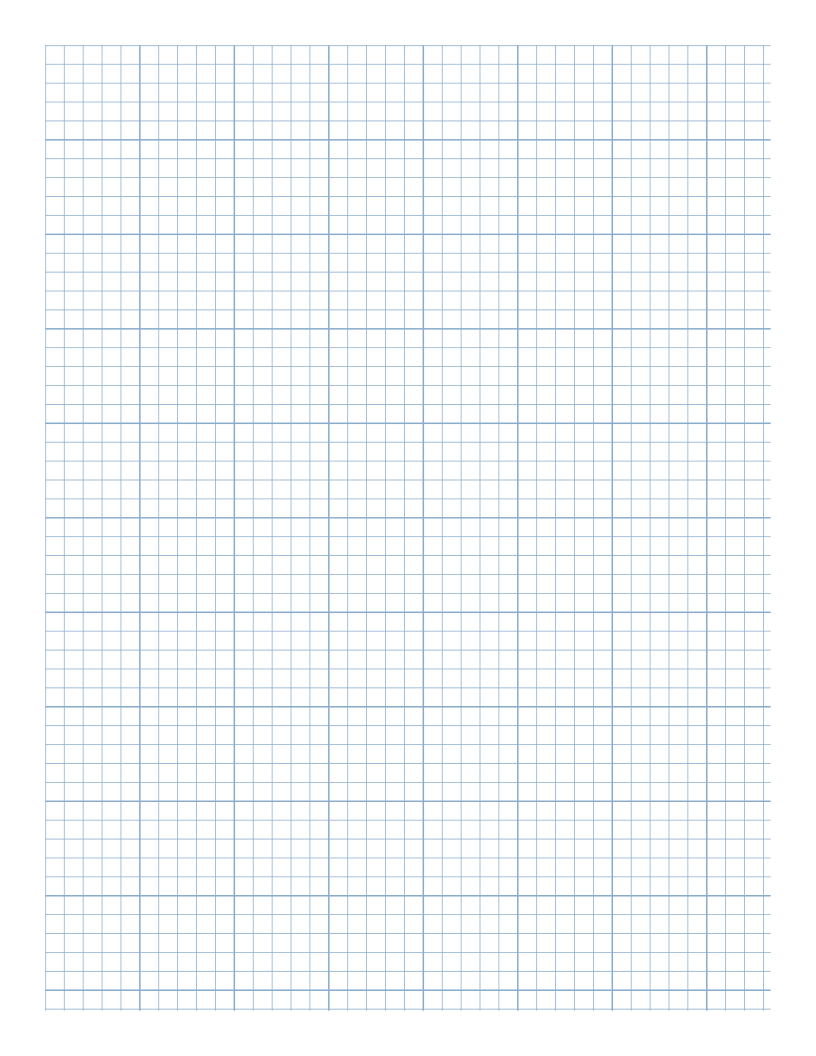
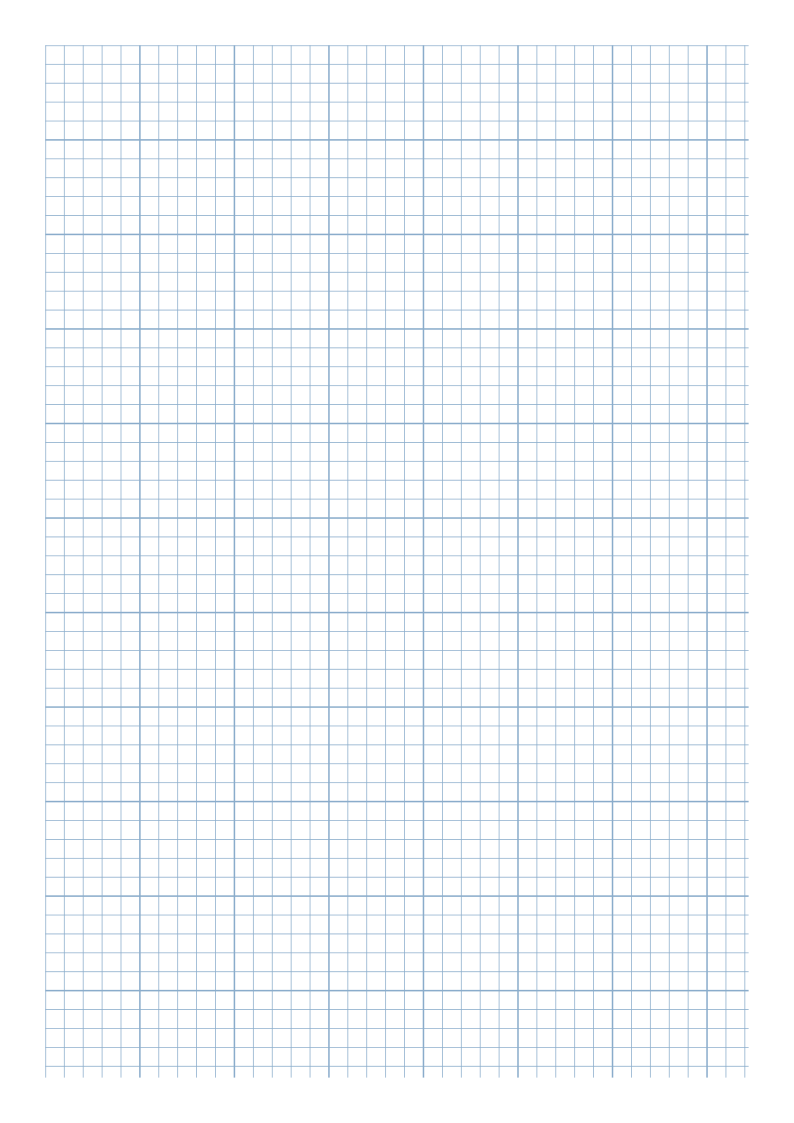
Print or export
With the linked US Letter Vertical settings, Download SVG exports a 215.9 × 279.4 mm sheet. Horizontal swaps those dimensions. The PDF should target the same page size and orientation; inspect the saved file before sharing.
Match paper size and orientation. Print at 100% / Actual Size and check one test sheet before making copies.
Common questions
Can I fit an A4 PDF to Letter?
Fitting can change scale. Regenerate as Letter when measured spacing matters.
Why is the last space narrower?
Only whole intervals fit from the grid origin. A remaining edge strip need not be a full cell.
Related tools and reading
- Graph Paper Generator
- 10 mm Graph Paper for Sketch Planning
- How to Print Graph Paper at Actual Size
- How to Save Printable Paper as PDF