
Who this helps
For geometry learners or someone drafting a simple map by hand. The output has outlines without labels, terrain or game rules.
Side length
Hexagon side length 6 mm means each side is 6 mm in SVG geometry. A complete cell spans 12 mm between left/right corners and about 10.392 mm between its horizontal top and bottom sides (√3 × 6).
Shared edges and clipping
Neighbors share edges. The renderer deduplicates them so interior borders are not intentionally drawn twice. Cells extend beyond the drawing boundary and are clipped there; partial edge cells are expected.
Extend a second ring
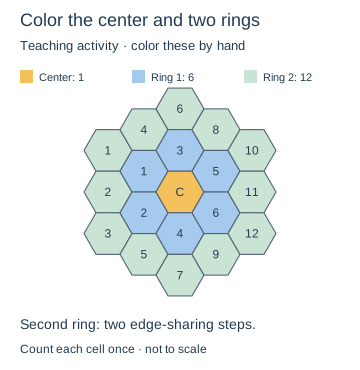
After coloring the center, mark its six edge-sharing neighbors. The next ring contains 12 cells at two edge-sharing steps from the center. In the activity diagram each ring has its own color; count every cell once and explain your rule. The colors are an editorial drawing example, not a generator option.
Reproducible settings
- Paper size
- A4
- Orientation
- Vertical
- Display units
- Millimeters
- All margins
- 12 mm
- Pattern color
- #8aaccb
- Hexagon side length
- 6 mm
- Line width
- 0.2 mm
Create it step by step
- Open the configuration. Confirm A4, Vertical, Millimeters and All margins 12. Set Hexagon side length 6.
- Under Line appearance, set Line width 0.2 and Pattern color #8aaccb. Check the flat top and bottom sides.
- Print at 100% through Print / Save as PDF. Outline a complete interior cell in pencil.
- Mark its six edge-sharing neighbors. Color rings or trace a path through neighboring centers, then write a rule someone else can extend.
Generated sample
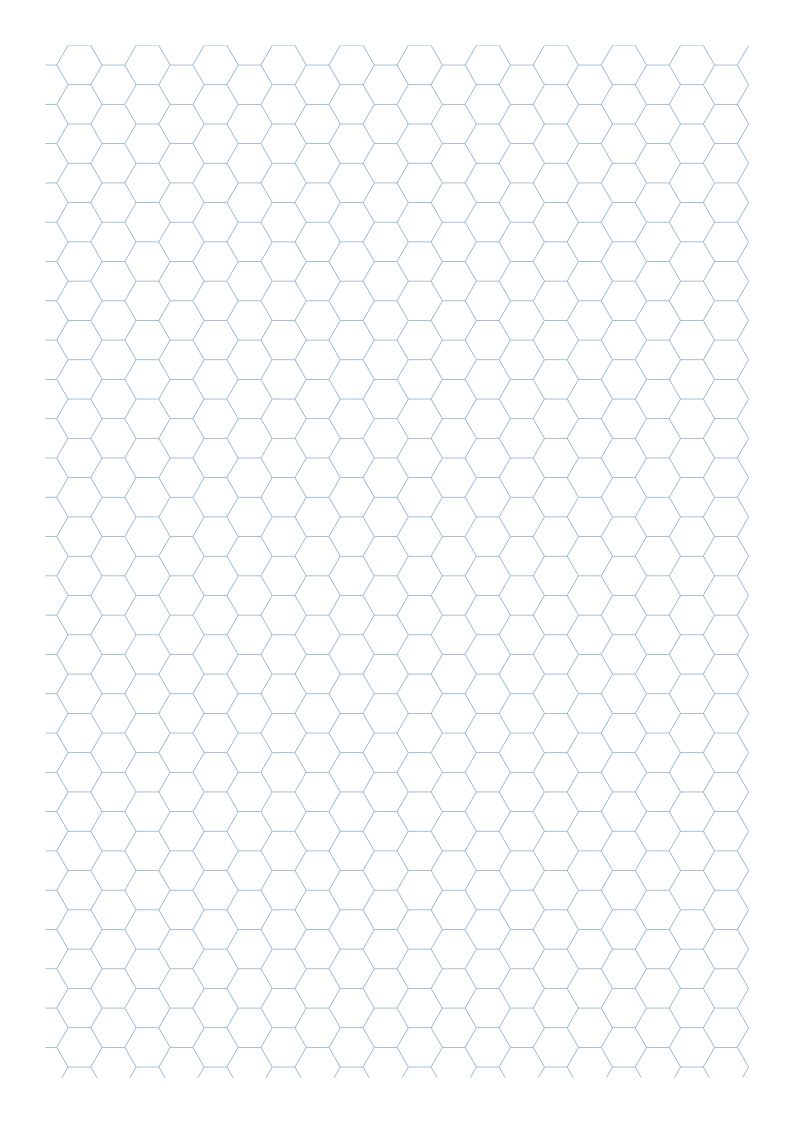
Teaching sketch: marks you add by hand
Print or export
Download SVG exports one blank hex outline sheet. The 8 mm activity case offers larger cells for handwritten labels.
Match paper size and orientation. Print at 100% / Actual Size and check one test sheet before making copies.
Common questions
Why is an 8 mm cell wider than 8 mm?
The setting is side length. Corner width is 16 mm; distance across horizontal sides is about 13.856 mm.
Does a partial cell mean printing failed?
Not by itself. Compare the configured drawing boundary in the source with the print.