
Task
Prepare a geometry activity for identifying a full hexagon and its immediate neighbors.
What You Will Make
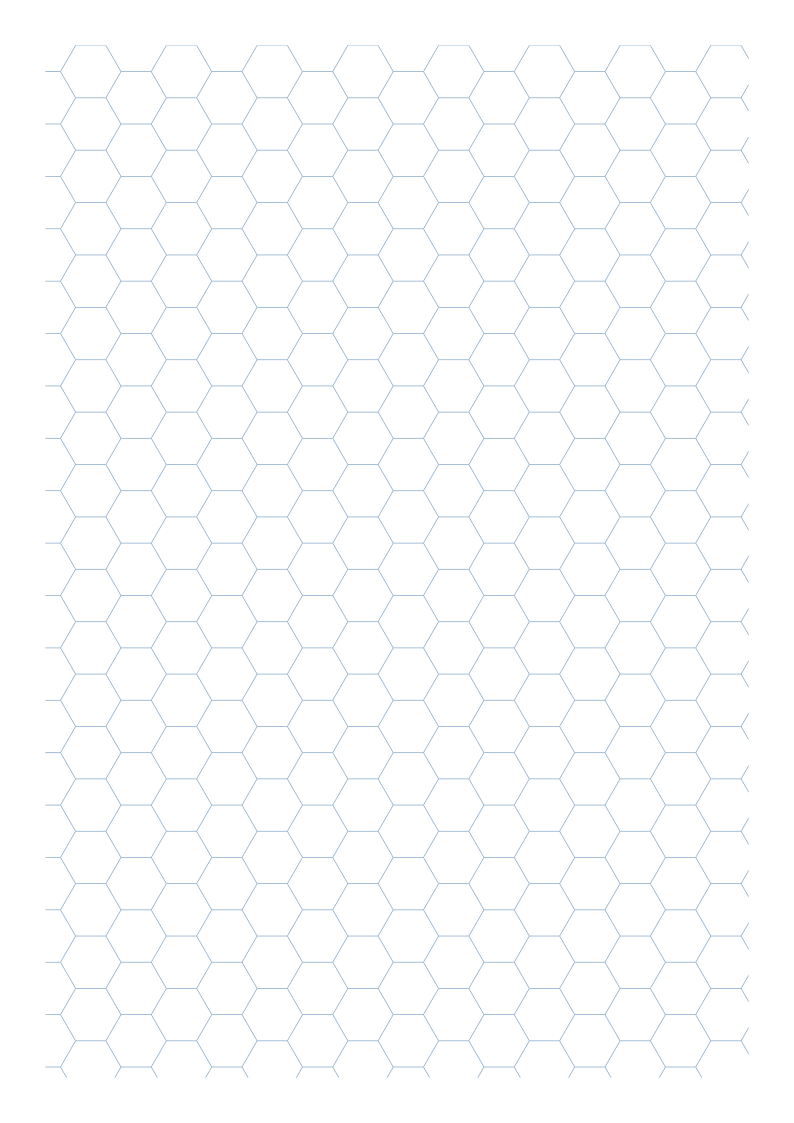
One A4 portrait flat-top grid with 8 mm sides. Complete cells are 16 mm corner to corner; partial cells remain at the drawing boundary.
Settings
- Paper size
- A4
- Orientation
- Vertical
- Display units
- Millimeters
- All margins
- 12 mm
- Pattern color
- #8aaccb
- Hexagon side length
- 8 mm
- Line width
- 0.2 mm
Create It
- Open the configuration: A4 portrait, Millimeters and All margins 12.
- Set Hexagon side length 8; under Line appearance, check Line width 0.2 and Pattern color #8aaccb.
- Print one 100% sheet through Print / Save as PDF. Locate a full cell away from the boundary.
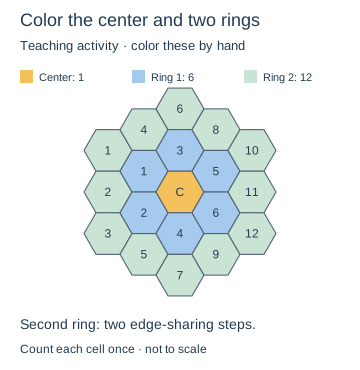
- Outline it and number six neighbors sharing its edges. Select a color rule and extend it outward.
Preview
Teaching sketch: marks you add by hand
Print or Export
SVG or browser PDF gives one blank outline page. Rings and numbers are added by the learner and are absent from the source.
Match paper size and orientation. Print at 100% / Actual Size and check one test sheet before making copies.
How to Use the Printed Page
Color one center cell, its six edge-sharing neighbors and the 12 cells of the second ring in three colors, as in the activity diagram. Count each cell once. Explain that second-ring cells are two edge-sharing steps from the center. You add the colors and labels by hand; the tool exports only the outlines.
Check the Result
Measure a full side for 8 mm and the widest corner span for 16 mm. The center has six edge-sharing neighbors. Shared borders have one source stroke; cropped edge cells are expected.