
Task
Draw adjoining blocks while keeping corresponding edges parallel and comparable in length.
What You Will Make
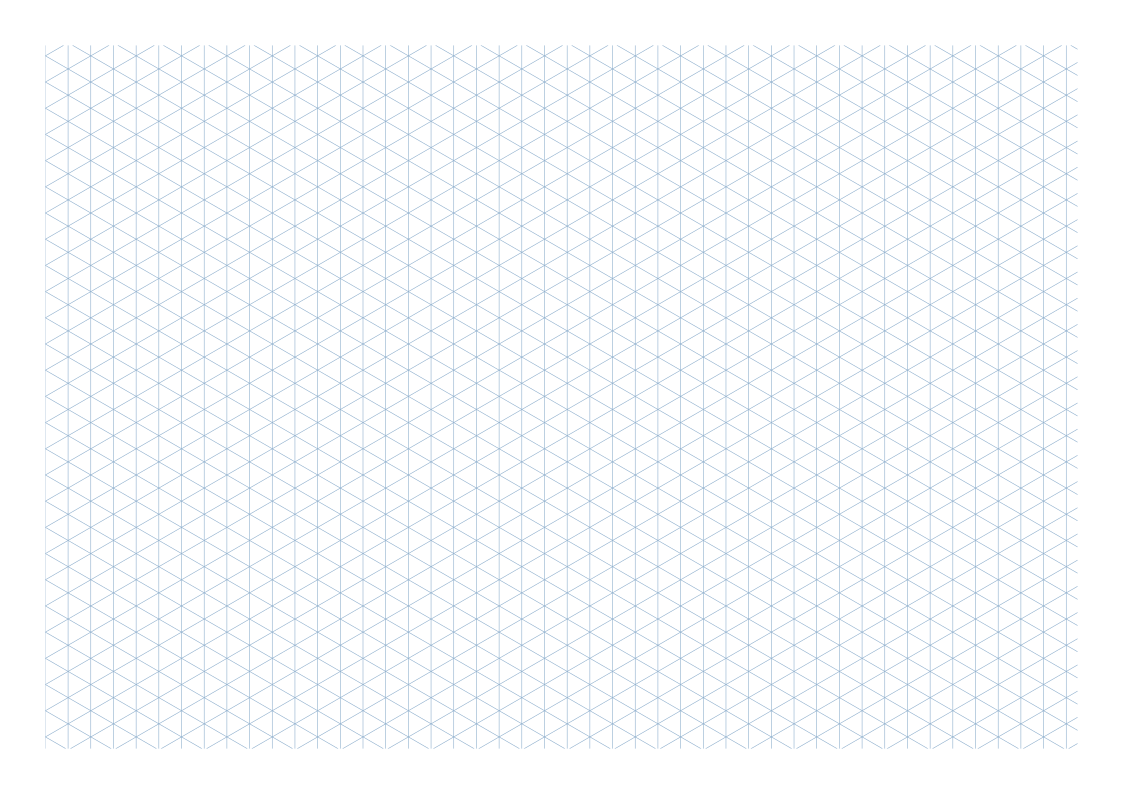
One A4 landscape sheet with vertical and ±30° guides at 6 mm perpendicular spacing. Blocks, dimensions and 3D models are not generated.
Settings
- Paper size
- A4
- Orientation
- Horizontal
- Display units
- Millimeters
- All margins
- 12 mm
- Pattern color
- #8aaccb
- Perpendicular line spacing
- 6 mm
- Line width
- 0.15 mm
Create It
- Open the configuration: A4 landscape, Millimeters and All margins 12.
- Set Perpendicular line spacing 6. Under Line appearance, check Line width 0.15 and Pattern color #8aaccb.
- Print at 100% or download the blank SVG. Pick an interior intersection for the first block.
- Follow the vertical and both diagonal families. Count equal repeated steps for matching edges, close the first block, then attach the second.
Preview
Teaching sketch: marks you add by hand
Print or Export
Download SVG retains the blank guides; browser PDF should contain one landscape page. Settings JSON does not include the blocks later drawn on paper.
Match paper size and orientation. Print at 100% / Actual Size and check one test sheet before making copies.
How to Use the Printed Page
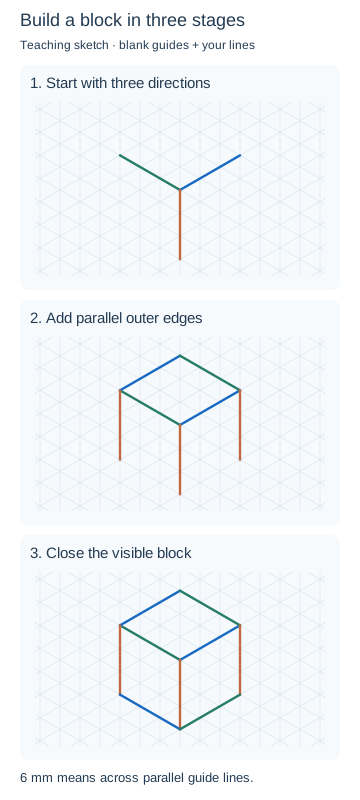
Follow the three stages in the teaching diagram: draw three edges from a corner, add their parallel partners, then close the block. Check the light construction before darkening visible edges. The 6 mm input measures across parallel lines, not along a slope. The colored block is a hand-drawing example, not a generated model or verified construction drawing.
Check the Result
Confirm 297 × 210 mm and three line families. Measure perpendicular to parallel lines on a real print, not along a diagonal. Compare corresponding edge step counts.